Per unit
  Full pallete
  Grid-Tie Inverters
  Battery Inverters
  Microinverters
  Hybrid Inverters
  Inverter Chargers
  Accessories
  Hybrid Inverter Chargers
  Modules
  Lithium Battery Kits
  Controll modules
  Battery accessories
  Self-consumption kits
  Off grid kits
  Solar pumping kits
  Structure kits
  Components
  Charger
  Mounting and Accessories
  Electric Pumps
  Pumping Inverters
  Ventilation
  Air conditioning
  Air conditioning accessories
  Heat pumps
  Electric Energy Meters
  Contadores
  DC protections
  Optimizers
  Solar Charge Controllers
  Victron communication cables
  Communication cables
  Electric Cables
  Solar Cables
  Solar Connectors
  Solar Panel Maintenance
  Tools
Tools 
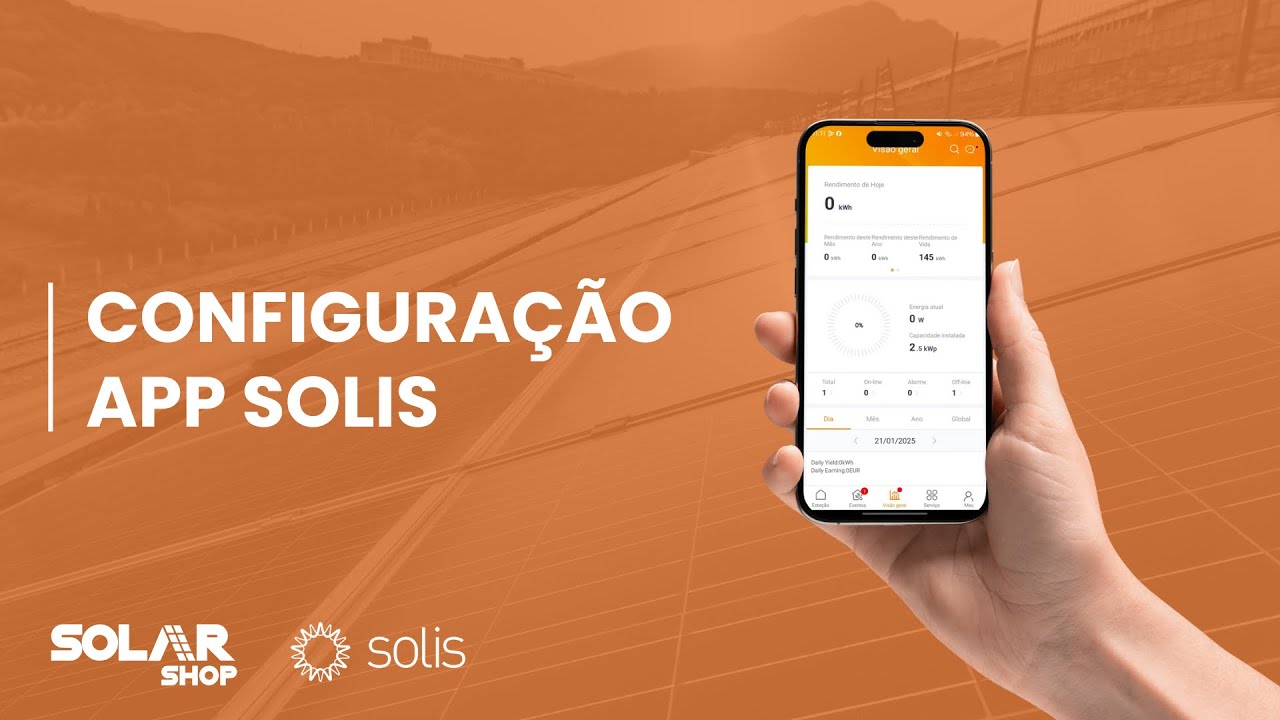
Solis Cloud - Learn to install and configure

Watch the video below and set up your installer account on Solis Cloud in less than 5 minutes.
Install in a few steps!
- Register;
- Configure the account;
- Add Units;
- Activate the Dongle;
- Monitor wherever and whenever you want.
Solis Cloud App
With the application, you can fully monitor the system, wherever you are and manage various types of installations – all at the same time.
Easily check the status of each Solis equipment and with faster and more personalized fault detection, your alarm messages are more efficient.
If you need solutions, the app provides you with smart resolutions, tailored for each situation, in real time.
Once installed and configured, the app offers a:
- Versatile platform, with all associated devices;
- Organization and Smart Maintenance;
- Management of multiple installations, with a clear and efficient display;
Finally, when you complete the app configuration, you can obtain real-time information from each device and the various systems.
Install the Solis Cloud app now and configure it in less than 5 minutes.
Watch the configuration video of the app on Solarshop's YouTube channel.
Download the app for Apple.
Download the app for Android.